Local Services Ads in Google Ads: Your Ad Platform Is Not Your CRM
By Bryan Esguerra ·
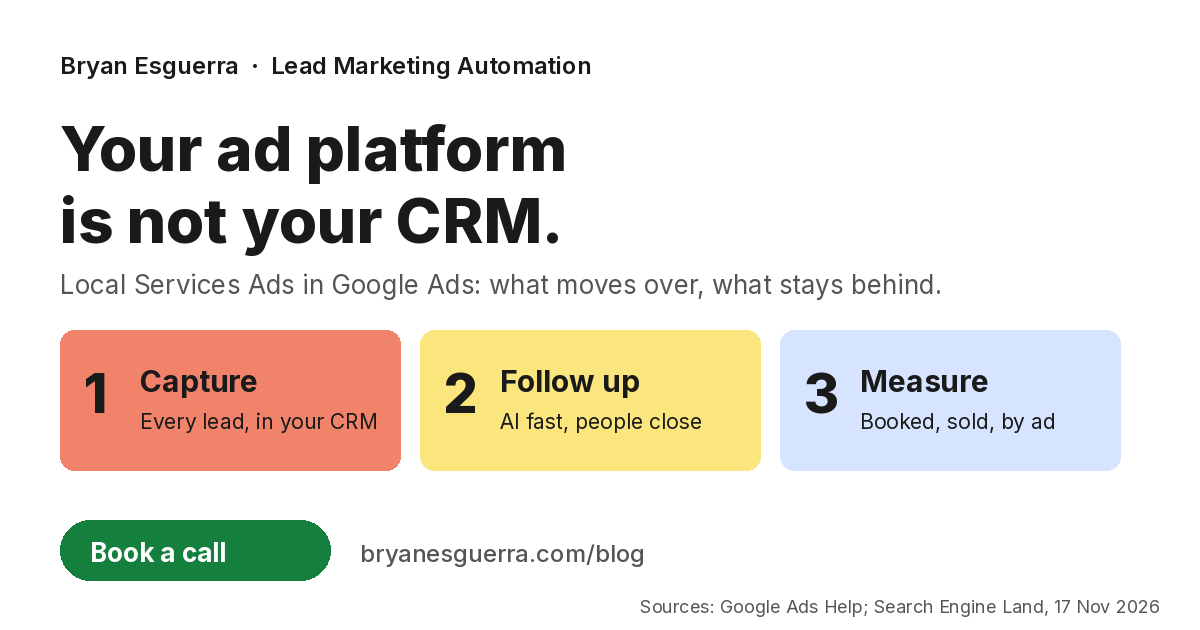
Local Services Ads in Google Ads is where Google is moving existing Local Services Ads campaigns, and your old impression and click reports will not come with them. If your lead history only lives inside an ad platform, this is your reminder to keep a copy you own.
TLDR: Google is moving Local Services Ads into Google Ads, as Performance Max campaigns with pay-per-lead goals. Past impressions, clicks, weekly spend and ad-level reports won't migrate. Google's help page now says you can download your old reports, but only lead totals. Google also says your past customer lead history does transfer. The lesson for Lead Marketing Automation (LMA): keep your lead history in your own system too.
What is changing with Local Services Ads in Google Ads
Google's help page says existing Local Services Ads campaigns "will be automatically migrated to a specialized Performance Max campaign type optimized specifically for pay-per-lead goals." Google also says where and how your ads show on Google Search and Google Maps "remains exactly the same." What changes is where you manage them.
After your account moves, the old Local Services Ads dashboard redirects to Google Ads. Your leads now sit under Leads, inside the Goals menu. Google says this table replaces the Local Services Ads lead inbox.
The move is phased. Google's timeline:
- August 2026: select home and storefront service advertisers in the United States.
- Late 2026: broader advertiser groups, including service-area businesses without storefronts.
- 2027: non-US accounts and all remaining business categories.
What moves over, and what stays behind
This is the part most teams will miss. Here is what Google says:
- Moves over: your past customer lead history, including contact details, message history and older call recordings.
- Moves over: your campaign setup, like locations, service types, categories, budget limits, ad schedule and business photos, plus your verified status.
- Stays behind: past campaign-level performance metrics, such as impressions, clicks, weekly spend and ad-level reports.
- You can download: lead totals only. That means total lead spend and charged leads, split by phone, message and booking. No impressions, clicks or other report data.
Search Engine Land and Search Engine Roundtable both reported the new download option on 17 November 2026. One more line worth knowing: Google says call recordings and sensitive conversation history are stored in its Lead Manager "for up to 30 days due to data privacy policies."
Why this matters for big brands
When a brand runs local ads across many markets, the history is how you compare them. Which locations bring leads, what each lead costs, and which ones turn into customers. If that record only lives in an ad dashboard, it is only as complete as the platform decides to keep it.
This migration keeps your lead history, but not your old performance reports. That gap is small for some teams and big for others. Either way, it shows why the full record should live in a system you control.
How Lead Marketing Automation keeps your lead history yours
This is why I build LMA as one system, not a pile of tools. For the bigger picture, read my guide on AI agents for brand marketing. LMA has three steps:
1. Capture every lead
Calls, messages and bookings land in your own CRM the day they come in, tagged with the ad that brought them. The ad platform keeps its copy. You keep yours.
2. Follow up fast
AI replies to the lead and routes it to the right person. People step in to qualify and close. Run by AI, managed by humans.
3. Measure what happens next
Mark leads as Booked or Completed in Google Ads. Google says this "helps Google's automated systems optimize your campaign performance over time." Then track the sale in your own system too. If you want to send those results back to Google, see my post on Google Ads call conversions.
One honest catch
Google's own help page is not fully consistent yet. The note at the top says the download is available. A question further down still says you will be able to download your reports, and that a download page will be available. If you can't find the download, do what that same page advises: take screenshots of your reports before your account moves.
My take
I was a Google Ads Specialist, a Google Tech-1 role via TTEC, and I have worked in paid media since 2016. I have also worked on Google Business Profile and local search, so local leads are familiar ground for me.
My view is simple: your ad platform is not your CRM. Platforms change dashboards, move products and rewrite help pages. That is normal. But the record of who contacted you, what they asked and whether they bought should live in a system you own, not only in a dashboard you rent.
Premium Google Ads and Meta Ads bring the lead. LMA makes sure you keep it, follow it up and measure it.
Where to start
- Check where your account sits in Google's timeline. US home and storefront services first, non-US accounts in 2027.
- Download your lead totals from the Local Services Ads redirection page. Screenshot any other reports you still need.
- Send every lead to your own CRM the day it comes in, with the ad source on it. Don't wait for the 30-day window to matter.
- Mark leads Booked or Completed in Google Ads, and record the sale in your CRM too.
Where does your lead history live today? If you run a big ad budget and want every lead in a system you own, book a call with me, or see the agency at Zilla Digital Marketing.
Sources: Google Ads Help, "Local Services Ads transition to Performance Max campaigns with pay-per-lead goals"; Google Ads Help, "About goals and leads for pay-per-lead goals"; Search Engine Land, "Google Local Services Ads historical reports are now available to download" (17 Nov 2026); Search Engine Roundtable, "Google Local Services Ads Historical Reports Can Now Be Downloaded" (17 Nov 2026).