Meta Lead Form Phone Verification: A Lead You Can't Reach Is Not a Lead
By Bryan Esguerra ·
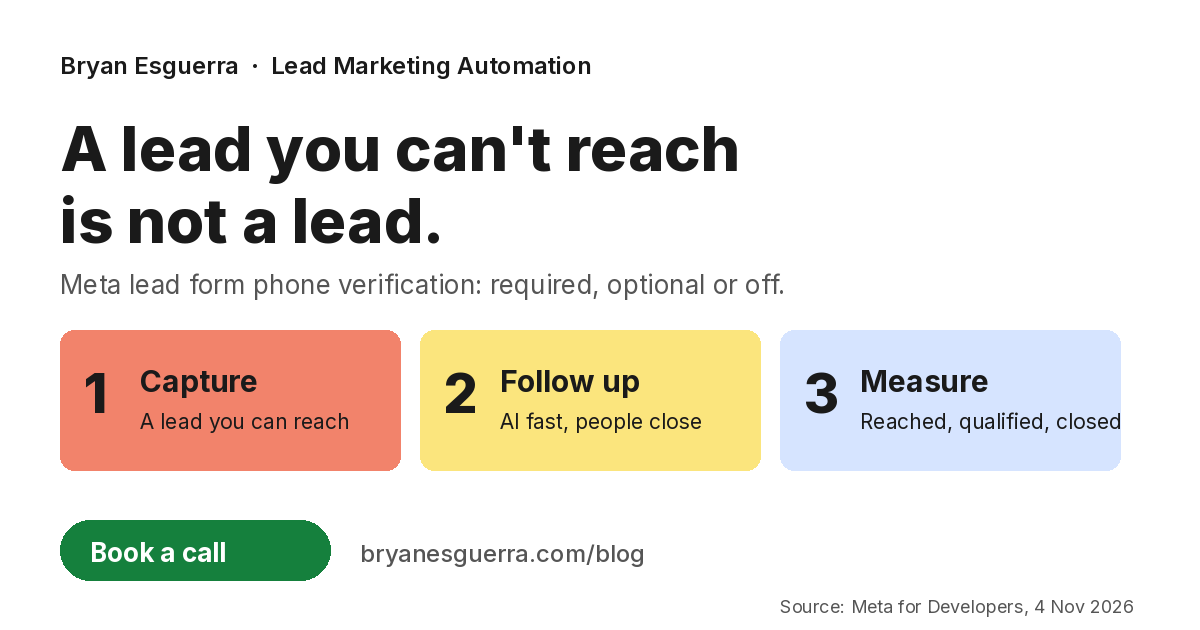
Meta lead form phone verification is on the way, and it fixes the first thing that breaks in most lead systems: a phone number that doesn't work. Here is what changed and how to use it.
TLDR: On 4 November 2026, Meta said lead forms are getting phone verification options through its Marketing API: required, optional or off. Optional is only for eligible ad accounts. This is the front door of Lead Marketing Automation (LMA): capture a lead you can actually reach, follow up fast, and measure what closes.
What changed: Meta lead form phone verification
In its Graph API and Marketing API v27.0 release post, Meta says: "lead forms gain phone OTP verification options through phone_otp_verification_type, supporting required, optional, or disabled verification. Optional verification is available only to eligible ad accounts."
OTP means a one-time password: a short code sent to the phone number, which the person types in to show the number is real. PPC Land reported the same change on the same day, and noted that Meta has not said which accounts are eligible for the optional mode.
Why a wrong number costs big ad budgets more than you think
A lead with a wrong number looks fine in your report. It counts as a lead. It lowers your cost per lead. But then:
- Your AI follow-up texts a number that goes nowhere.
- Your sales team calls, gets nothing, and moves on.
- Your ads keep finding more people like that lead, because nobody told them it was bad.
The bigger the budget, the bigger this leak gets. Speed-to-lead tools are only as good as the data going in.
How Lead Marketing Automation uses this
I run LMA as one system, not a pile of tools. I wrote about the last step on Wednesday in Google Ads call conversions. This update is about the first step. For the bigger picture, read my guide on AI agents for brand marketing.
1. Capture a lead you can reach
Forms and calls land in one place, tagged with the ad that brought them. Phone verification is one more way to make sure the number on file works.
2. Follow up fast
AI replies to the lead and routes it to the right person. People step in to qualify and close. Run by AI, managed by humans.
3. Measure what happens next
Which leads were reached, which became sales, and which ads they came from. That is the number that matters, not cost per lead alone.
One honest catch
This is an API and SDK change. Meta says the Business SDK v27 release "will be published shortly after" the Graph API v27 release, and it has not explained how optional verification looks in the form. Check what your own form tools and ad account support before you plan around it.
My take
I was a Google Ads Specialist, a Google Tech-1 role via TTEC, and I have been a senior Meta Ads media buyer. I have worked in paid media since 2016. The lesson does not change across platforms: a lead you can't reach is not a lead.
On the new options: "required" should check more numbers. "Optional" may let more people skip the check. I would not guess which is better for your brand. I would test both, then judge them on what happens after the form: reached, qualified, closed.
Premium Google Ads and Meta Ads bring the lead. LMA makes sure you can reach it, follow it up and measure it.
Where to start
- Check your current leads. How many numbers from last month's Meta lead forms could your team actually reach?
- Ask your developer or platform whether your setup can use the new phone_otp_verification_type setting yet.
- Plan a fair test. Run verification on and off, or required and optional if your account is eligible, with the same budget.
- Judge on sales, not cost per lead. Track reached, qualified and closed leads for each version.
When a lead's number is wrong, how long until your team finds out? If you run a big ad budget and want leads you can actually reach, book a call with me, or see the agency at Zilla Digital Marketing.
Sources: Meta for Developers, "Introducing Graph API v27.0 and Marketing API v27.0" (4 Nov 2026); PPC Land, "Meta's API v27 may add catalog products to new ads by default" (4 Nov 2026).