Google Business Profile Booking Links: Your Book Button Is a Lead Form
By Bryan Esguerra ·
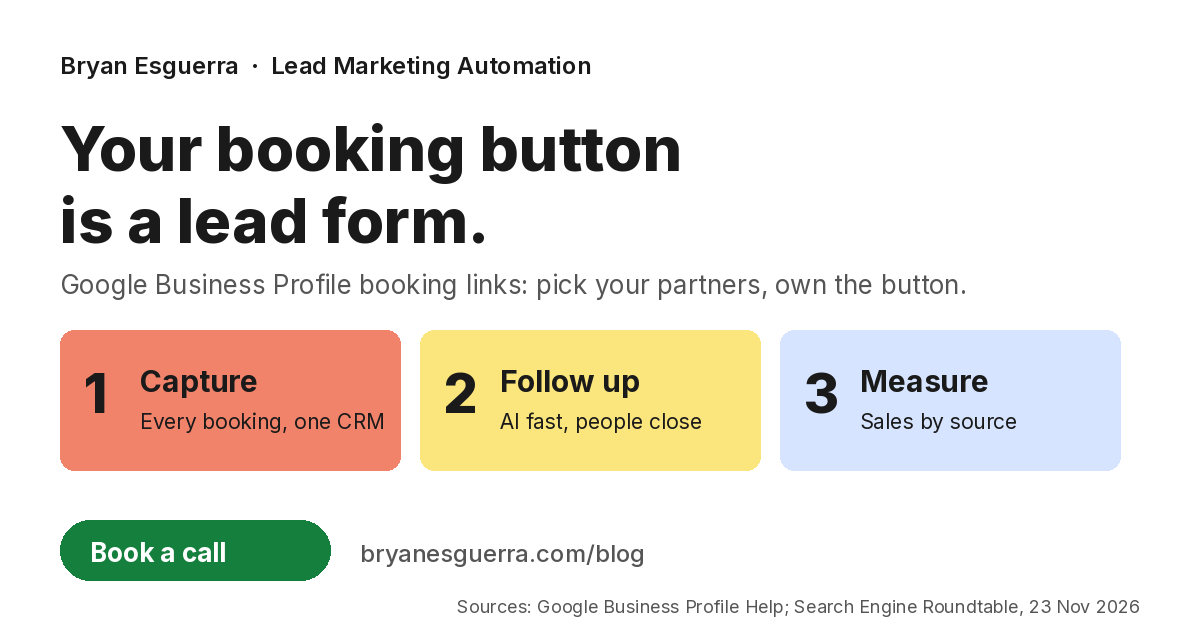
Google Business Profile booking links now come with a switch: you can hide a third-party booking partner yourself, and turn it back on anytime. It looks like a small settings update. It is really about who owns the first step of your lead.
TLDR: Google now lets businesses choose which third-party booking and reservation links show on their Google Business Profile. You can hide a partner with a switch and show it again later. Hiding is not deleting: to remove a partner for good, Google still says to contact the provider. The lesson for Lead Marketing Automation (LMA): your booking button is a lead entry point. Own it, and send every booking into one CRM.
What changed with Google Business Profile booking links
Some booking links appear on your profile automatically, through third-party partners. On 23 November 2026, Lisa Landsman from Google shared on LinkedIn: "You now choose which booking links appear on Google." She called it the "exact same self-serve control" Google added for food delivery links a few weeks earlier, now for appointment bookings and dining reservations. Search Engine Roundtable reported it the same day.
Google's help page now shows how it works. Open your Business Profile and select Booking. "Next to the third-party provider you want to hide, turn the switch off and select Confirm." To show the provider again later, turn the switch back on.
One more detail from Google's help page on booking providers: when you hide a provider, "Existing customer bookings and reminders stay active, but new bookings stop."
One honest catch: hiding is not deleting
The same Google help page still says: "You cannot manually delete third-party booking or reservation providers directly from your Business Profile settings." To remove a partner for good, Google says to contact the provider through its opt-out link, support form or account portal. Providers are required to process opt-out requests within 5 business days. If they don't, you can report a third-party violation.
So the switch hides a partner from your profile. It does not end your account with that provider. And if you don't see a switch next to a partner you want gone, use the provider route.
Why your booking button is a lead entry point
A booking is not just a calendar slot. It is a person who raised their hand. For many local businesses, the Book button on Google is the first move a customer makes.
Now ask where that booking lands. If it goes to a partner app nobody checks, the follow-up never starts. You also lose the source, so you can't tell which bookings came from your Google profile. Google also notes that when you book through Google, "your provider might charge you."
That does not mean you should switch every partner off. Landsman makes the other side of the case: "Keeping a mix of trusted partners can still help you capture bookings from clients and guests who already have saved details or loyalty points on those apps." The goal is choice on purpose, not zero partners.
How Lead Marketing Automation turns bookings into sales
This is why I build LMA as one system, not a pile of tools. It is the same idea as my post on Local Services Ads in Google Ads: the platform keeps its copy, and you keep yours.
1. Own the button
Add your own booking page to your profile and set it as "Business preferred". Google's help page shows how. Tag your link so you can see which bookings came from your Google profile.
2. Capture every booking in one CRM
Bookings from your own page, partner bookings, calls and forms all land in one CRM, with the source on each one. If a partner can't send bookings there, someone owns checking it every day.
3. Follow up fast
AI confirms the booking and sends reminders. People step in to answer questions and close. Run by AI, managed by humans.
4. Measure sales by source
Track which bookings turn into paying customers, and where each one came from: your Google profile, a partner, or your ads. If you run Google Ads, you can also send those results back. See my post on Google Ads call conversions.
My take
I was a Google Ads Specialist, a Google Tech-1 role via TTEC, and I have worked in paid media since 2016. Before that role, I worked in SEO operations, where I optimized Google Business Profile listings for local search. So the profile is familiar ground for me.
My view: this is a small switch with a big lesson. The button on your profile is a lead entry point, and you should decide where it sends people. Put your own booking page first, keep the partners that bring real bookings, and make sure every booking reaches one system where AI and people follow up.
Premium Google Ads and Meta Ads bring the lead. Your Google profile brings more. LMA makes sure none of them slip.
Where to start
- Open the Booking section of your Business Profile this week. List every link and where it goes.
- Add your own booking page and set it as "Business preferred".
- Hide partners that don't fit how you work. Keep the ones that bring real bookings.
- No switch next to a partner you want gone? Contact the provider through its opt-out route.
- Tag your own link, send every booking to one CRM, and measure sales by source.
Where do your Google bookings land today? If you want every booking, call and form in one system you own, book a call with me, or see the agency at Zilla Digital Marketing.
Sources: Lisa Landsman (Google), LinkedIn post (23 Nov 2026); Search Engine Roundtable, "Google Business Profiles Adds Third-Party Controls For Appointment Bookings & Dinner Reservations" (23 Nov 2026); Google Business Profile Help, "Manage your local business links"; Google Business Profile Help, "Set up bookings through a provider".